For the trades
Good work deserves more than a handshake at handover.
Flowskraft® turns project photos into visible craftsmanship.

- No long contracts
- Your photos stay with your company
- From €34.99 per month
Try it yourself
Your project photos in one place. No searching.


Take the photo on site. The project is already chosen.
The app knows which project you’re on. Location, time and photographer go with every photo; at the office it’s already filed under the right project.
- Works without signal too
- For everyone on the crew
- Review before a photo goes public


All your projects in one place, on a map and in a list.
Photos, location, status and planning for every project. Search by name, number or place; filter by location or type.
- Timeline and actions for every project
- Locations and users with their own permissions
- Your own branding on everything that goes out
Show what you’ve made. Wherever it counts.
One project or your whole company, without retyping a thing: as a shared overview of all your projects, as a QR code on the site board or quote, as a LinkedIn post, or on your own website.
- Shared overview: map, list and tiles of all your work
- QR code per project, for site board or quote
- LinkedIn post drafted from today’s photos
- On your website in your own branding


Clients and sectors




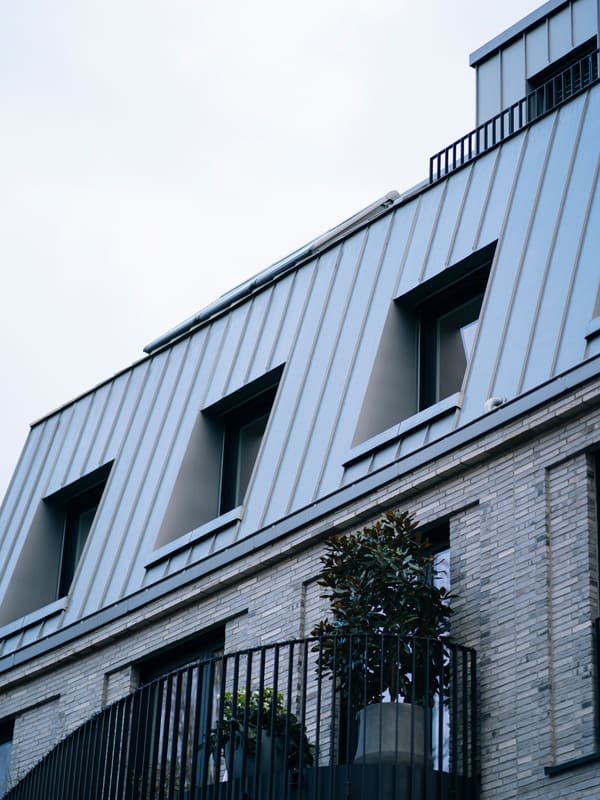
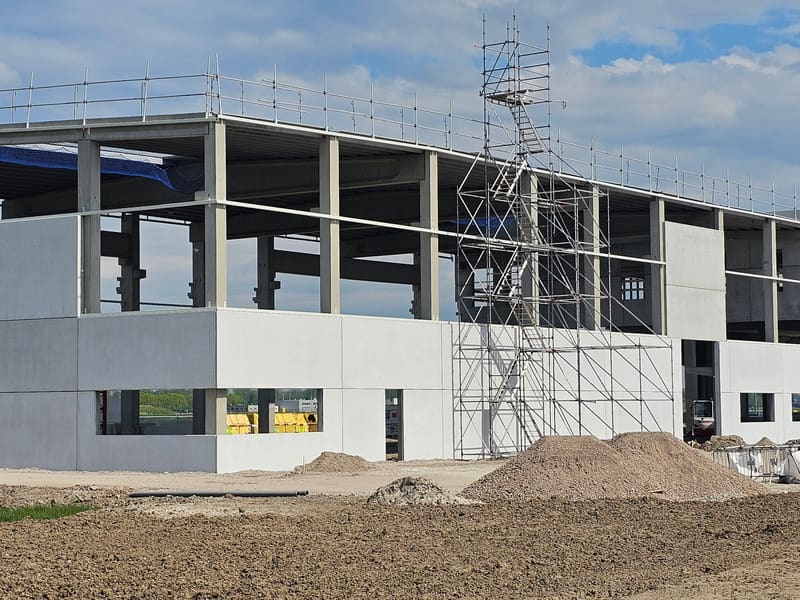
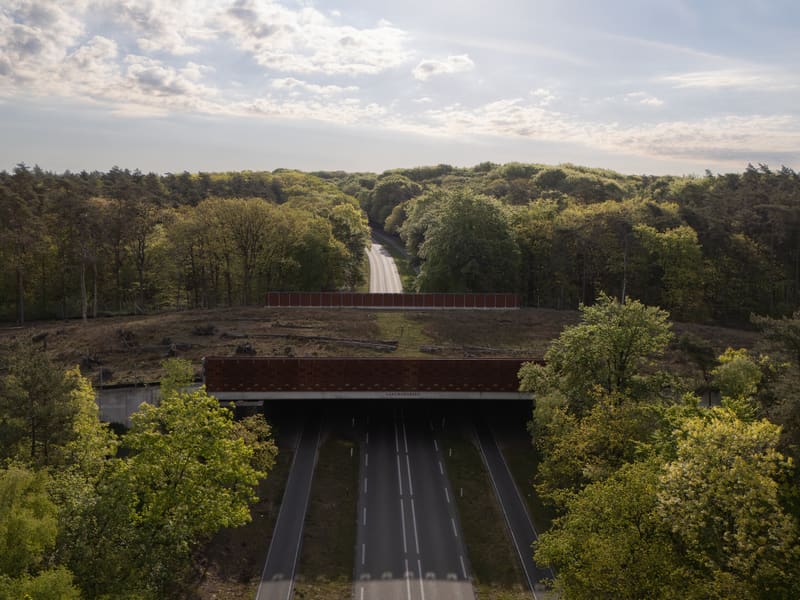
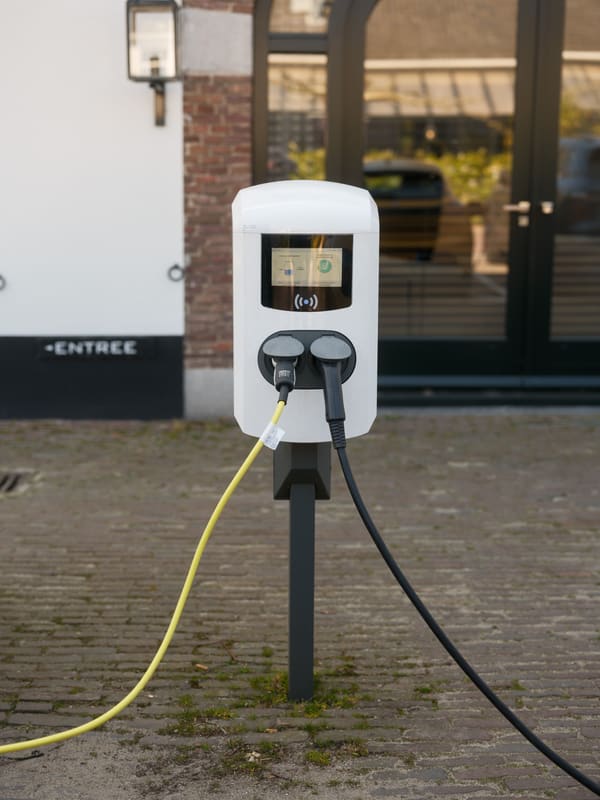
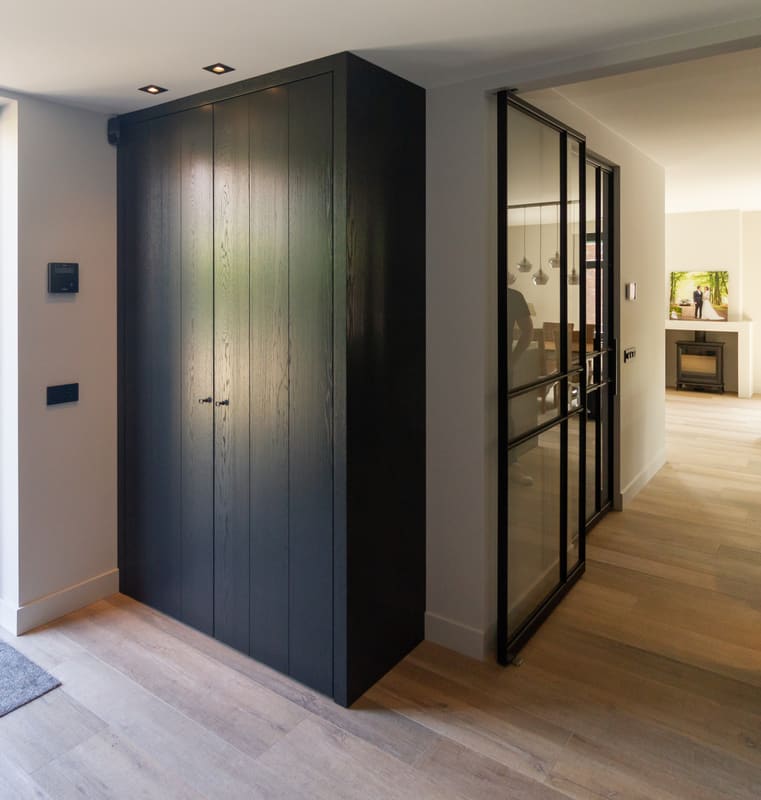
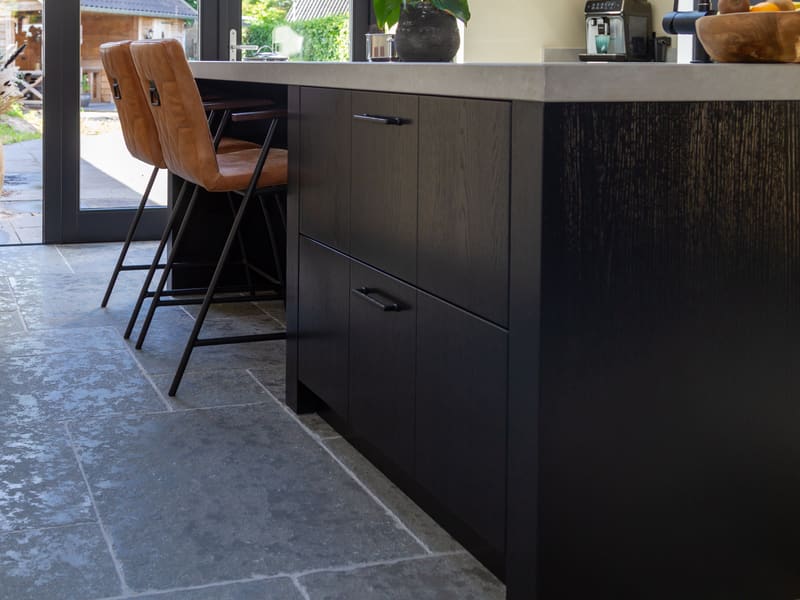
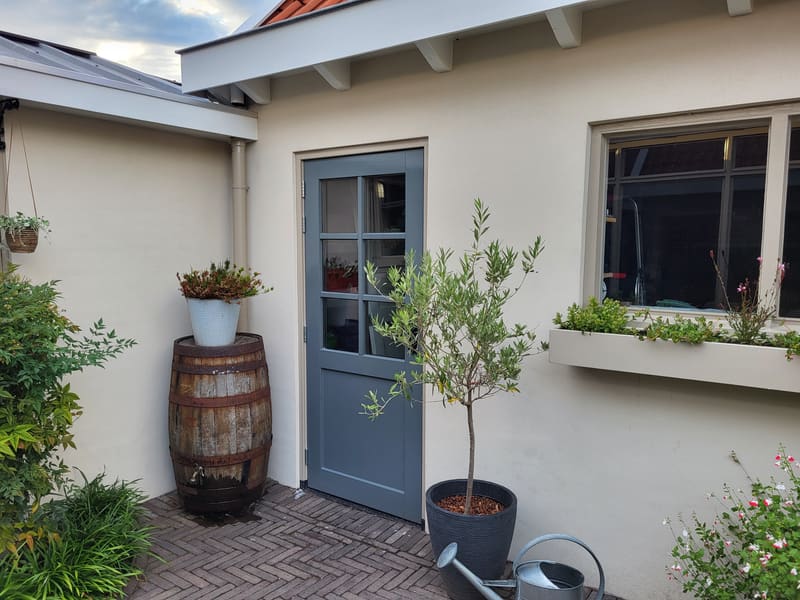
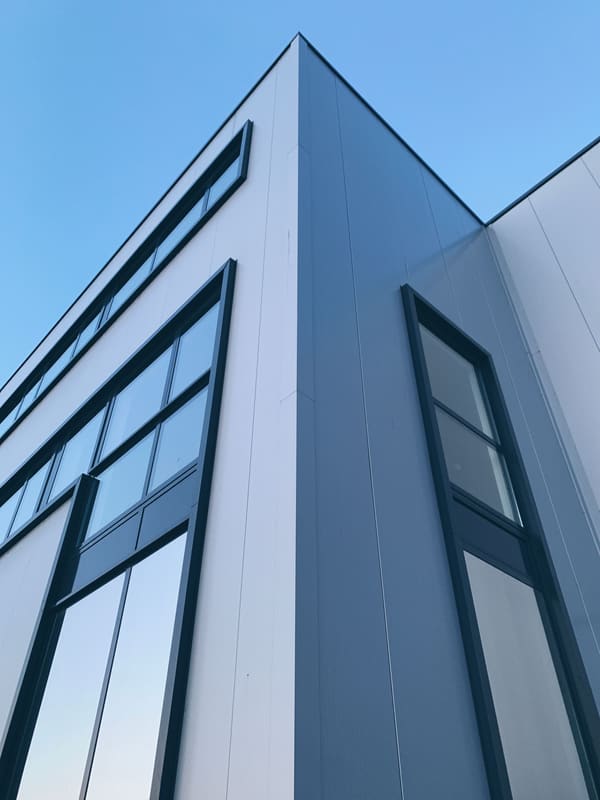
Made for companies that work outdoors and on site:
-
-
-
-
-
-
-
-


Subscriptions
Choose what suits your company.
Every subscription includes the Skraft app and the portal. No long contracts; your photos stay with your company.
For small teams who want to capture and show their projects with ease.
- 2 users
- 100 GB storage
- Sharing via link and QR code
For companies that regularly want to capture and share new work.
- 5 users
- Planning and timeline
- Your own branding on the shared overview
For companies with several crews or locations.
- 10 users
- 1 TB storage
- Up to 20 shared overviews at once
Frequently asked questions
What is Flowskraft?
With Flowskraft you capture project photos and keep them organised by project. You take photos with the Skraft app and manage them in the portal. There you can also draft LinkedIn posts or share projects via a link or QR code.
How do project photos end up with the right project?
You choose a project in Skraft, or let the app recognise the nearest one. The photos go straight to that project, so your colleagues at the office don’t have to collect them afterwards.
Can I share projects with a QR code?
Yes. You can share selected projects via a public link or QR code. Visitors don’t need an account. You decide what’s visible, and you can pause or withdraw the shared overview.
Do we have to change the way we work?
No. Flowskraft works alongside the way you already work. On site you take photos. At the office you use them for posts, with help from FLOW. You check every post before you share it.
Who in our company will use it?
That’s up to you. You work with several users and roles: your colleagues on site capture the photos; colleagues at the office turn them into posts. We’ll match the number of users to your company.
Who owns our data?
You do. Your projects, photos and data remain your property. We handle them carefully in line with the GDPR, and we’re a Dutch company. Your admin can export all data whenever you like.
What if we want to stop?
No long contracts. You cancel a monthly subscription by email, with one month’s notice. If you choose a year, that year runs to its end. You keep access until the end of the period you’ve paid for, and you take your images with you.
Do we need to install anything?
No. Flowskraft runs in the browser, so there’s no IT project involved: you log in and you’re ready to go. The Skraft app for your phone is coming soon to the App Store and Google Play.
Ready to make your projects visible?
In fifteen minutes we’ll show you how it works, with your own projects if we can.
Request a demo